Hi @mamorskimaciej,
Thanks for the detailed questions.
Here’s a breakdown for each point.
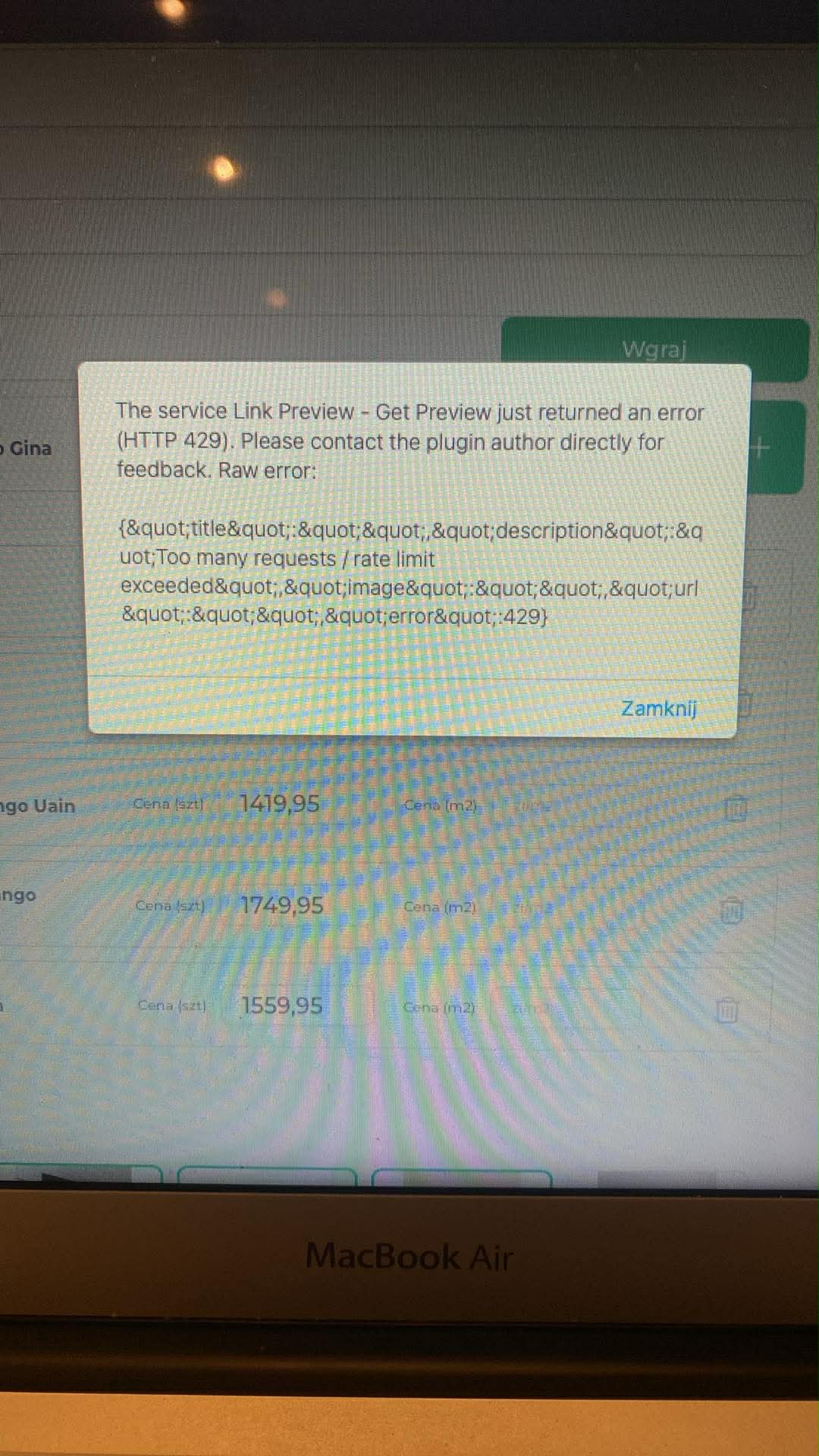
1) Link Preview Plugin errors
The 429 “Too Many Requests” error doesn’t come from Bubble or from us, it’s returned directly by the external preview provider when too many URLs are requested within a short period. Since your users may upload many products at once, the provider rate-limit is reached quickly.
We can help review your workflow to see if there are ways to reduce duplicate calls, but the limitation itself is on the provider side, not something we can reset or refresh.
2) Custom tool development
To clarify, Zeroqode doesn’t provide custom development services or build browser extensions like the one shown in your example. We only develop and support Plugins for no-code platforms.
If you need a fully custom scraping/import tool or a browser extension, this would have to be built by an external development team.
3) Importing products from a producer’s CSV
There are a few ways to approach this:
Option A: Native Bubble CSV upload
Best if the CSV structure matches your database fields 1:1. This is simple and reliable.
Option B: Import/Export CSV to Algolia plugin
This is only relevant if you’re planning to use Algolia for search and need to process large datasets efficiently. It won’t import data into Bubble’s database, but it’s useful when you work heavily with external search indexes.
4) App audit request
Zeroqode does not offer app audits or consulting services.
Our team provides general support only, specifically related to bugs or issues within Zeroqode plugins.
We can guide, clarify, and point you in the right direction, but we can’t perform a full review of your database, workflows, image handling, or feature planning. Thanks for your understanding.
If you’d like, feel free to share the workflow or CSV example, and we’ll gladly help with any plugin-related questions or guidance within our support scope.
Best regards,
Support Team
Browse all Zeroqode Plugins for bubble