Services Plugins FAQs

Calendar Time Slots Data Retrieval

Hi, I need to access the available Time Slots using http request from an external app. I am usually able to get data from my Bubble App, since it is in the database (for example list of clients related to a specific user), however due to the nature of the plugin, i can’t do this with the Slots.

Any guidance is appreciated.

Hi @mediworks ,

Thanks for reaching out. :pray:

Unfortunately, that’s not currently possible with the plugin. The available time slots are generated dynamically by the plugin rather than being stored in your Bubble database, so they don’t exist as database records that you can query via API or HTTP request.

Since the slots are computed on-the-fly by the plugin’s logic and aren’t persisted as actual database entries, there’s no way to access them externally in their current form.

If you really need external access to this data, you could set up a workflow to save the generated slots to a separate database table as they’re created/modified, then expose that table through Bubble’s API. It’d require some additional setup on your end, but that’s probably your best bet for making this data accessible to your external app.

Hope that helps!

Best,
Support Team
Browse all Zeroqode Plugins for bubble
Banner_Last3

Understood. Mind me asking a question about another plugin: PDF Editor

I am having the issue where I am supposed to be able to edit and save the pdf with the plugin inside Bubble, as the description says. However, when it generates the Base64 code, and i then re-create the pdf using an external converter, I see that it neves saves the data i edited in the PDF. Please provide guidance on this matter, as this is a paid plugin, which I also really need. Video: Loom Message - 9 December 2025 | Loom

Hi @mediworks

Thanks for getting back to me. :pray:

The PDF Editor plugin displays and allows editing of PDF forms in the viewer, but there’s an important distinction in how the data is captured:

When you use the plugin’s “Save” action, it currently returns the original PDF’s base64 without the form field changes merged in. The edits you make are rendered in the viewer interface but aren’t being “flattened” into the PDF document structure that gets exported via the save action.

Instead of using the save action, try using the “Download PDF” button that appears in the PDF viewer toolbar itself. This button properly generates a new PDF with all changes baked in. You can then:

  1. Have users download the edited PDF directly, OR
  2. Capture the downloaded file and upload it to your database using Bubble’s file uploader

Could you test the download button approach and let me know if that generates the PDF correctly with your edits? If you need the base64 save action to work specifically for your workflow, please share more details about your use case so I can investigate if there’s a way to configure this or if we need to implement an enhancement to the plugin.

Looking forward to helping you resolve this!

Best regards,
Support Team
Browse all Zeroqode Plugins for bubble

Banner_Last3

Sure, downloading with the icon in the “PDF viewer toolbar itself” does work, it properly saves the changes in the document to the computer, HOWEVER, this is not ideal for many use cases:

  1. If i want to open and edit a document inside my app, technically with the plugin it only lets me “view” the document from within my app, but it is no different than me opening the document in my computer natively.

  2. The use case in my example is, a user has a template that they always fill in, ideally there would be an action that flattens the inputted data in the PDF’s base64. That way i can in the same action, save that document to my database in Bubble.

  3. Currently, even if i add the template inside the app for the viewer, they would have to fill it in, click the native download button in the toolbar, put a name on it, then go into the app again, upload the document manually, which is not ideal = Too many steps and not worth paying the plugin for that, since it does not bring the desired user experience.

  4. Ideally there’s another plugin action that allows saving the base64 edited version, which would fit more to the “Editor” name of the plugin. So yes definitely would love this enhancement, specially since I have a potential client where this feature was been developed for and I was trying to use this plugin.

Hope that helps

I am a long time zeroqode plugin user btw so appreciate the support and help.

Hi @mediworks,

Thanks for getting back to me. :pray:

I’ve already escalated this to our development team to:

  1. Confirm whether there’s a workaround we might have missed
  2. Determine if a quick fix can be implemented to add a “Save Flattened PDF” action that returns the base64 with all form field changes merged in

I’ll keep you updated as soon as I hear back from the dev team. Given that you have a potential client waiting on this feature, I’ll make sure to prioritize getting you an answer quickly.

Thanks again for your patience and for providing such clear feedback - it helps us improve our plugins!

Best regards,
Support Team
Browse all Zeroqode Plugins for bubble

Banner_Last3

Thank you very much. I’ll be checking this chat to see if we have an update on this matter.

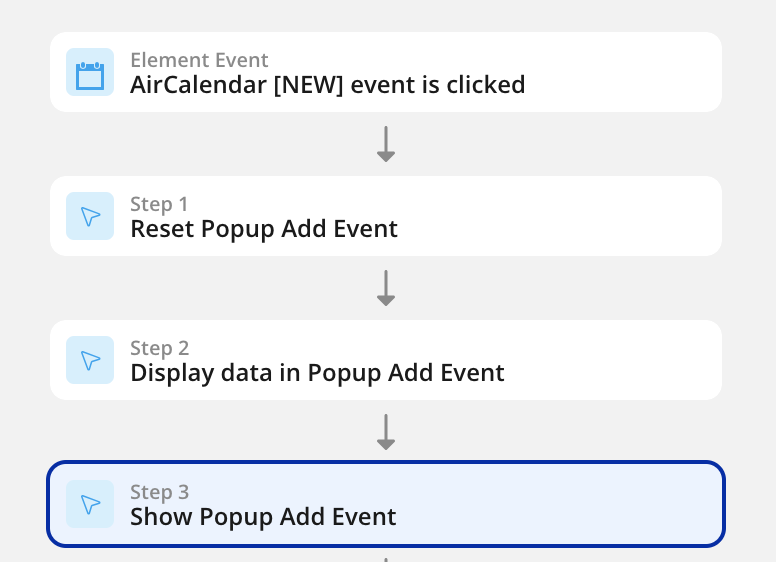
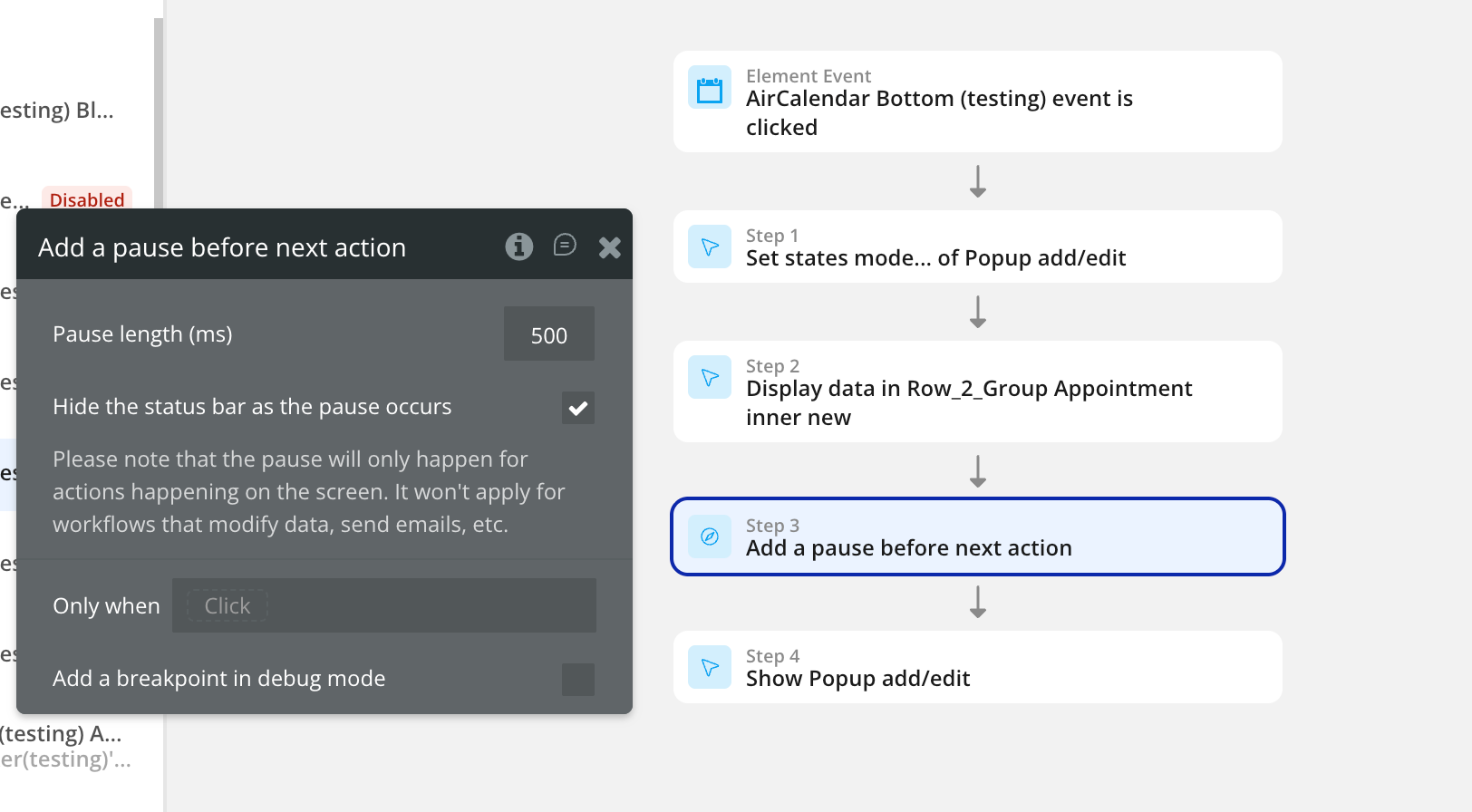
In the meantime, i have another question in the Air Calendar PlugIn. Previously we were able to click in the calendar and open the scheduling popup… but now when i click a certain hour in the calendar, it does not open the scheduling popup. One of our developers had inquired about this but we have not received any update…

Hi @mediworks,

Thanks for getting back to me. :pray:

I apologize for the delayed update, we’ve been working through a backlog from the holiday season. Could you please share either the thread link or the email address that was used for that question? That way I can check the current status for you.

I’ll get back to you with an update as soon as I’ve reviewed it.

Thanks for your patience!

Best regards,
Support Team
Browse all Zeroqode Plugins for bubble
Banner_Last3