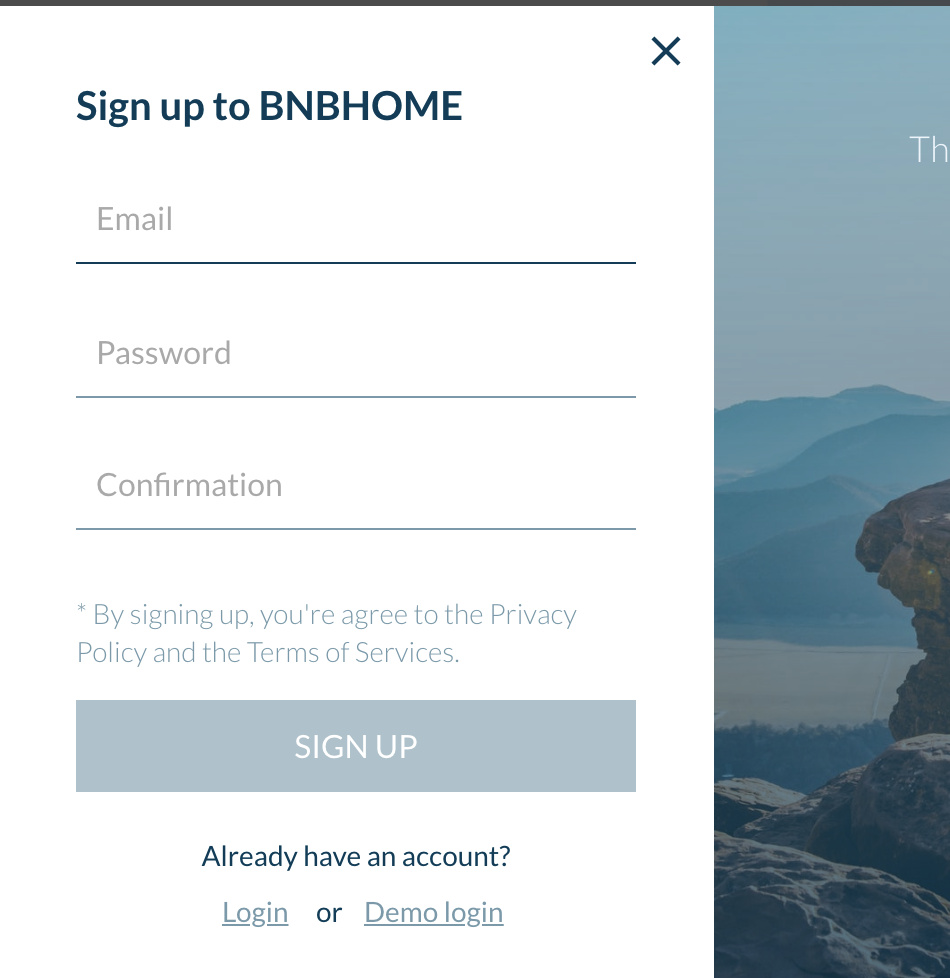
Hi Everyone, I hope all is well.
I couldn’t log in for the homeBNB template. Please, can you help me?

Hi Everyone, I hope all is well.
I couldn’t log in for the homeBNB template. Please, can you help me?
I understand that zeroqode support is bad. I will not buy zeroqode products.
Greetings, @csharp221!
Thank you for your query.
We are sorry for the late reply  Even though we always try to provide the fastest and proficient support to all our users, sometimes, due to the workload and the time difference, the speed may vary.
Regarding your question: to check it properly, I’ve tested all possible ways for a login process: Demo login, creating a new user and logging in with its credentials, admin login. The issue you showed in the screenshot is not recreating on our side.
Can you, please, provide more information, along with the screenshots, under which credentials were you trying to log in? And what category of the user was the login process related to? If you have a possibility to make a short screencast, so I can see the steps you are making, it will be really helpful, and that way I can help you faster.
Best regards.
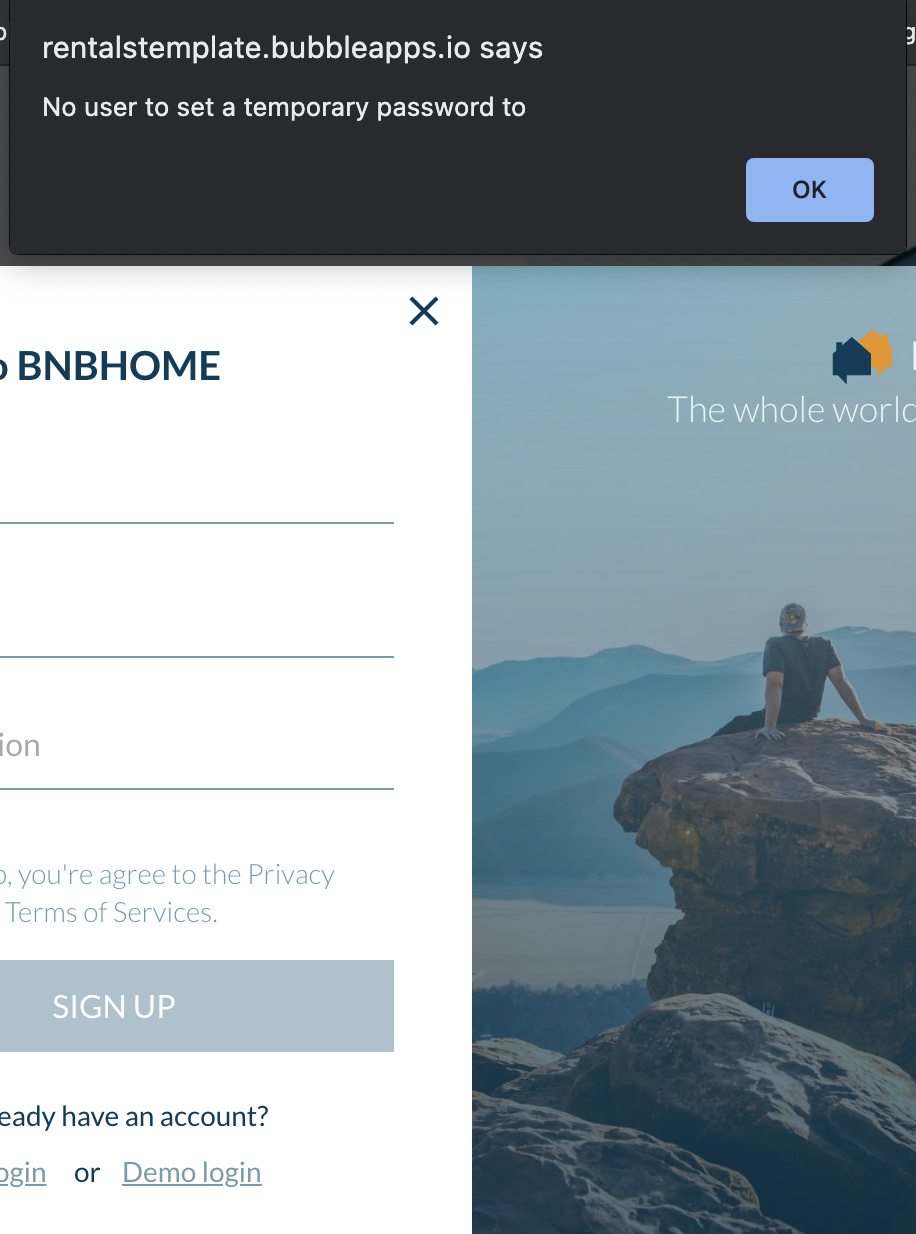
When trying to login as “Admin” on your demo site https://rentalstemplate.bubbleapps.io/
An error box is displayed. “No user to set a temporary password to”
This worked correctly yesterday as I purchased the template. Now I’m trying to doublecheck my installation of the HomeBNB template (as I’m not able to book a stay…getting a stripe box that says “Stripe checkout error: The name, description, and amount fields must not be left blank”) against the functionality of your Demo site and can’t login as “Admin”.
Any help would be appreciated.
Thanks,
Ryan
Hello @ryan.flynn, thank you for your message.
The issue with the demo login we will fix asap. Thanks for informing!
By the way, to be able to log in as an Admin user it is needed to make sure that the user has the admin rights. You can check the rights of the user from the App Data tab, under the database ‘All Users’ where you can find the field ‘Admin’ (that is a boolean data type). You can edit the field for a specific user and set it to ‘Yes’. You can as well follow the below documentation article - https://docs.zeroqode.com/templates/homebnb-rentals-like-airbnb-template/things-to-note#admin-rights
Please make sure you have set the payment via Stripe with your personal information, you can follow the instruction on the documentation article - https://docs.zeroqode.com/templates/homebnb-rentals-like-airbnb-template/setup-guide#payments
Hope that helps.
Let me know if there is anything else we can help you with. 
Hello @Greg.P I went through all the Stripe installation steps but nothing worked. The error still persisted. I then went back to the Stripe Plugin → Stripe Plugin Version and changed it from “Checkout V3 (Recommended)” to “Checkout v2 (legacy)”. Then everything worked correctly. Is this the right setting to have? I didn’t see it anywhere in the install documentation so it was the only setting I could think of that was causing my original issue.
Thanks,
Ryan
@ryan.flynn, thanks for trying to fix the issue on your own.
You are right, at the moment the Stripe plugin performs best with the “Checkout v2 (legacy)”, please keep the V2 on your app.
Thank you.
Have a good day!