Plugin: Native Uploader PRO
Version: v1.18.0 (latest)
Bubble plan: Starter
Environment: macOS, Chrome (latest)
Issue
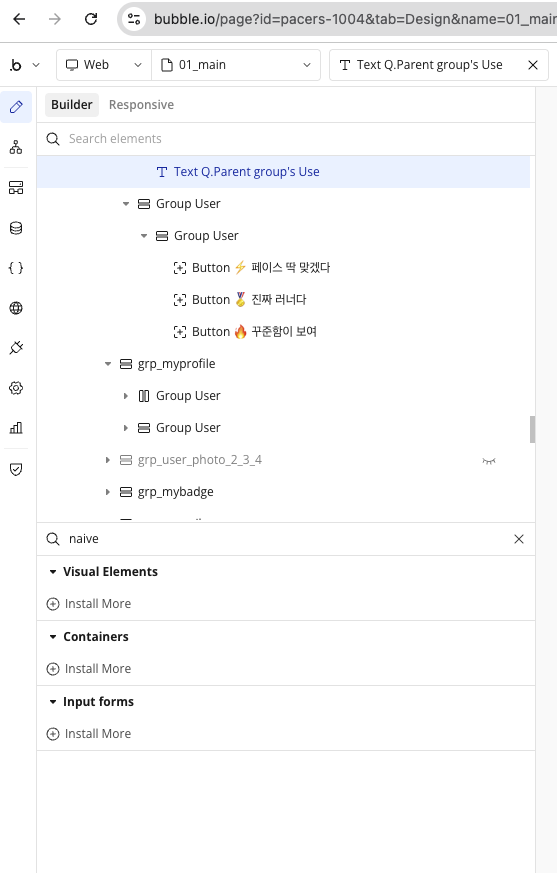
The “Native Uploader PRO” element does not appear in the element panel on my 01_main page. I cannot find it in the element list to drag onto the canvas.
Steps to reproduce
- Install Native Uploader PRO v1.18.0 from the Bubble plugin marketplace
- Open any page in the Bubble editor
- Click “+” to add a new element
- Search for “Native Uploader” — element is not listed
Expected behavior
The element should appear in the element panel and be draggable onto the canvas.
Actual behavior
Element is completely absent from the element list. The plugin appears as installed in the Plugins tab, but no corresponding element shows up.
Already tried
- Hard refresh (Ctrl+Shift+R) — no change
- Cleared browser cache — no change
- Plugin is already on the latest version (v1.18.0) — no update available
Any help would be appreciated. Thank you!