Hi everyone 
We’ve just rolled out new improvements to the Video Player Bubble Mobile plugin, along with an updated demo page showcasing additional use cases and helpful examples.
 What’s new?
The plugin has been enhanced with:
- Updated player design and improved customization options
- Additional fields for icons (SVG support)
- Ability to change the video background color
- Improved plugin states that expose real-time player information (playing, visibility, current time, duration, volume, mute, etc.)
 Improved demo page
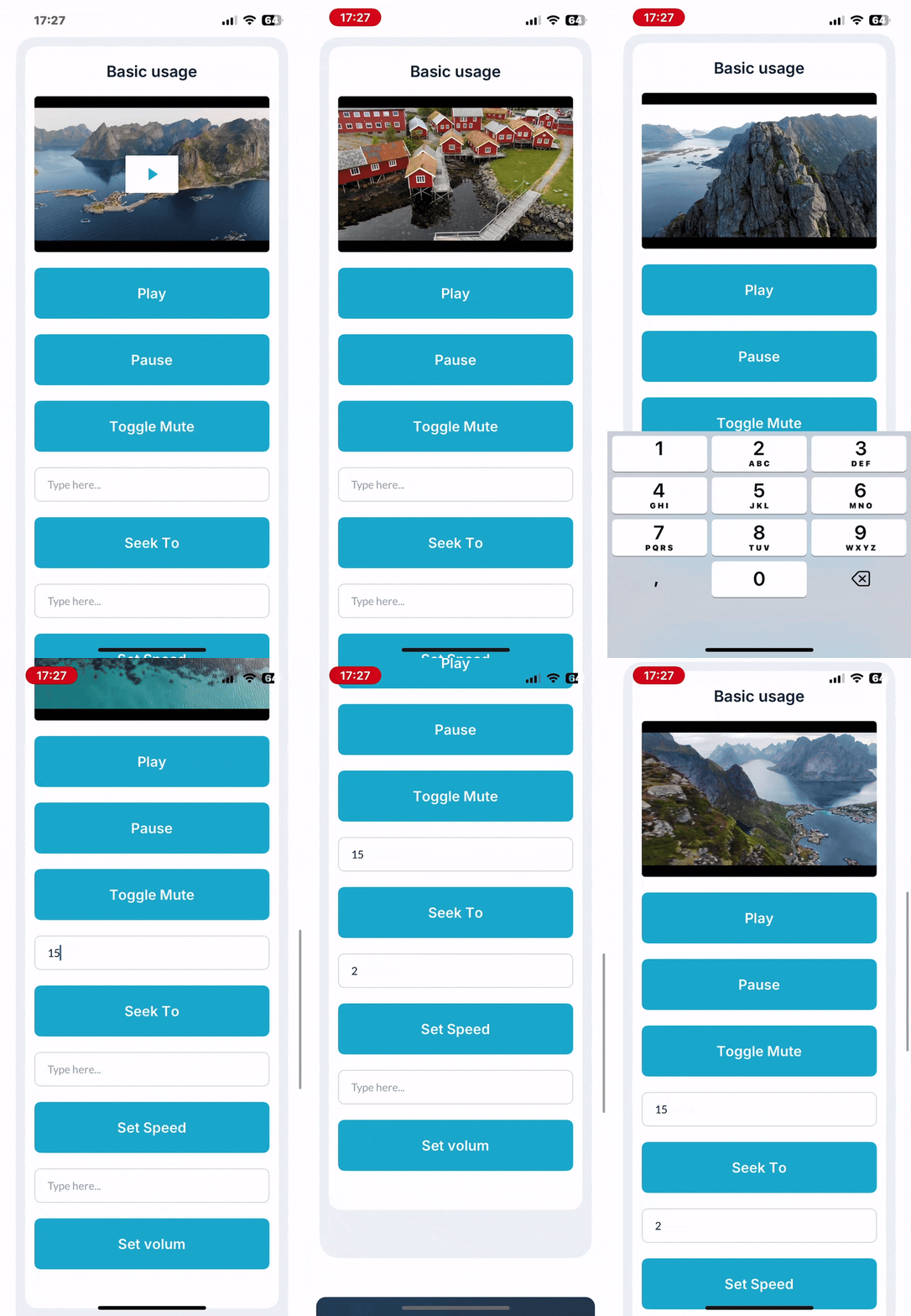
We’ve also updated the demo page to better demonstrate real-world use cases and how you can work with the plugin states:
 Demo page:
https://zeroqode-native-demo-05.bubbleapps.io/api/1.1/mobile/preview?debug_mode=true&preview_view=Video%20Player
On the demo page, you can:
- Interact with playback controls (play/pause, mute, seek, speed, volume)
- See live plugin states updating in real time
- Use the
Visible state to detect when the player is on screen
A cool example:
When you scroll down and the video player is no longer visible, the plugin state Visible = no. You can use this state to automatically pause the video, and resume playback when the player becomes visible again — perfect for feed-style or scroll-based layouts.
 Documentation
Full documentation is available here:
Feel free to explore the demo, try the plugin in your own Bubble mobile apps, and experiment with custom workflows and use cases.
If you have any questions or feedback, don’t hesitate to reach out here on the forum or via email at support@zeroqode.com — we’re happy to help! 
Best regards,
Zeroqode Support Team.
Browse all Zeroqode Plugins for bubble


 Key Features: