
Hello. I’m using your Sign in With Apple plugin and I want to use two buttons on the same page at once, which are shown in turn depending on what the user selects. And there is a problem with the display of the Sign In button, it simply does not appear until you reload the page, after reloading it works. But if you come to this page again from outside, then when you try to display the Sign In button, it is again not visible. It also works out if you write down to set the conditional that is the type of button on Sign In. Please help me with this problem
Hello, @gvsrtua
Thanks for reaching out.
Please allow me to note, that due to Apple’s technology, you can add only one Sign in with an Apple button. Otherwise, it may cause conflicts.
We mentioned this in our documentation:
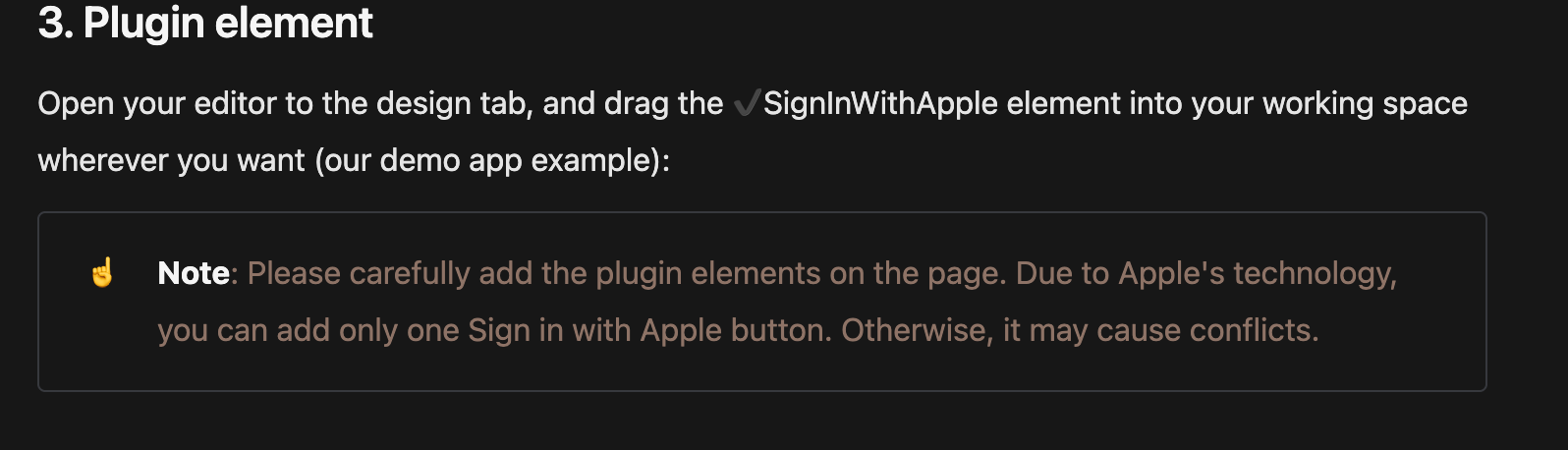
This. I’m afraid that the only possible workaround is setting the conditions for defining the type of buttons.
Also, please note that if you decide to wrap your app and submit it to App Store, you can’t have 2 buttons in the same app.
Best regards,
Hi. Thanks for answer. I use two buttons only because the condition for changing the name of the button does not work.
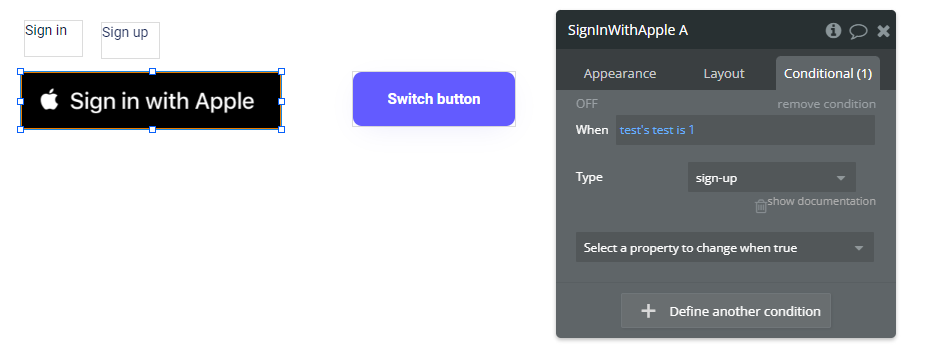
Is this functionality not supposed to work? I want to change the name of the button depending on what the user clicks on the page
Hello, @gvsrtua
Thanks for the question.
It is because, by default, there is only one button title - Sign in with Apple.
You can also find it on other platforms, there button title always will be “Sign in with Apple”.
I will check with our team if we can influence the condition for changing the title.
Best regards,
Thanks, I will wait for an answer.
Hello, @gvsrtua
Thanks for your patience.
I would like to propose you the next solution for your case:
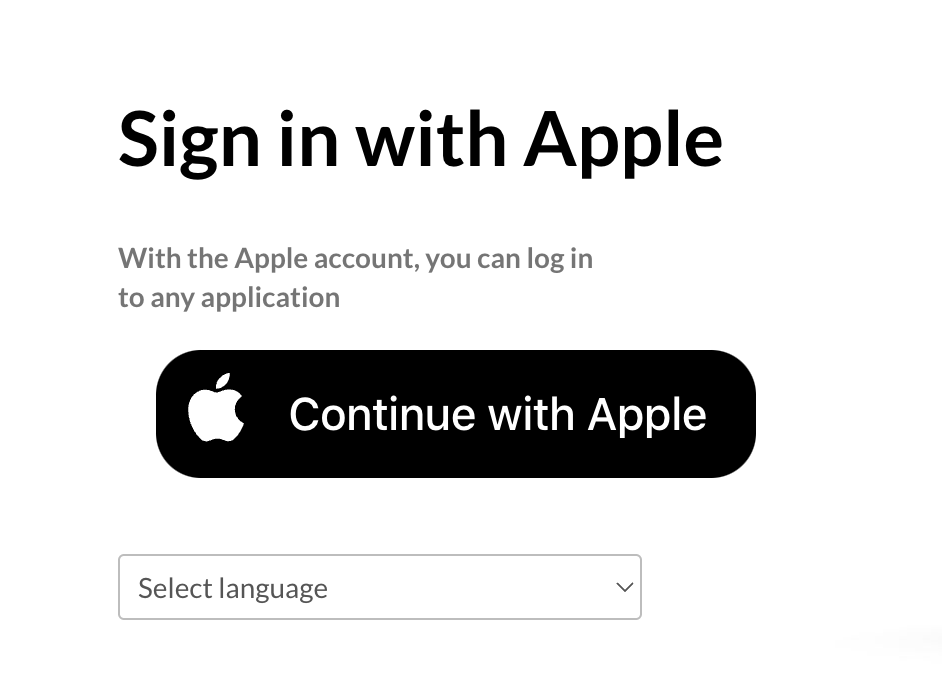
Using the “Continue” type for the button, you don’t need to create 2 different buttons, like “Sign in” and “Sign up”, but just this one, which is completely convenient for this use case.
Also, you can change the type of the button through the condition:
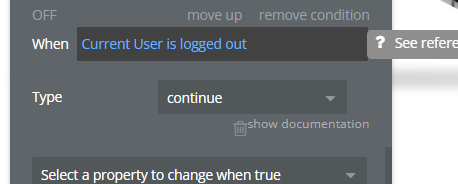
Best regards,
Hi, Ecaterina. Thanks fro answer.
I use one button, but it does not change according to the condition from Sign Up to Sign In.
Does this condition work for you normally?
Hello, @gvsrtua
Thanks for the question.
Actually, the condition is working correctly on my side.
Please check this video:
However, as I mentioned earlier, the most convenient option would be to use the “Continue” type of the button.
In case I can help you with anything else - let me know.
Best regards,