Services Plugins FAQs

AWS File Upload - Server responded with 0 code

Hi,

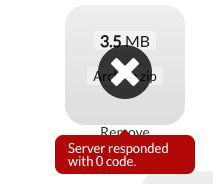
A few days ago I bought the AWS File Upload plugin. Today I integrated it with the directions in the provided guide, but every time a file is uploaded I keep getting the message ‘Server responded with 0 code’. I’ve got the default (all public access) CORS policies and ACL setup, as specified in the Zeroqode guide.

What can I do to fix this?
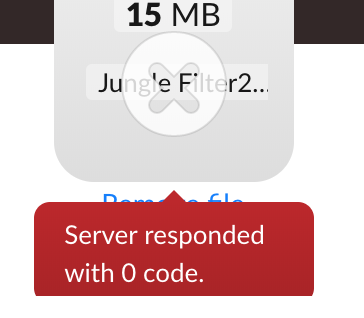
can you please post a screenshot of the error you are getting?

25%20pm

Hi @dylang

Could you please post screenshots of your setup/workflow/plugin setup, aws and your app to help us debug it. thanks for understanding.

KR
Dumitru.

@dylang
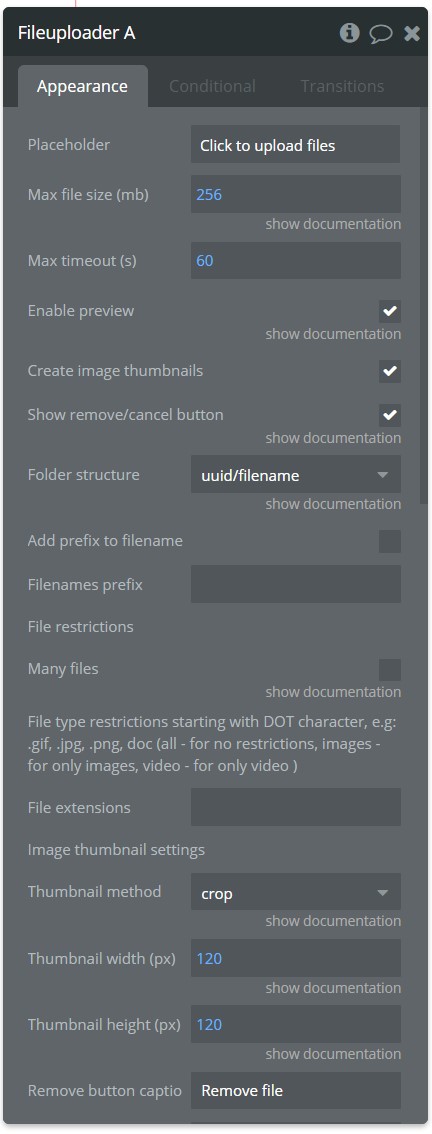
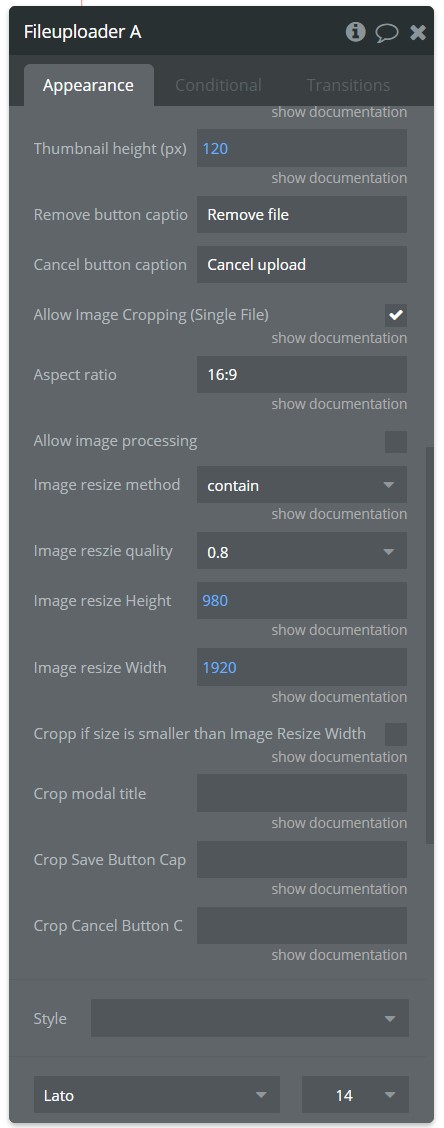
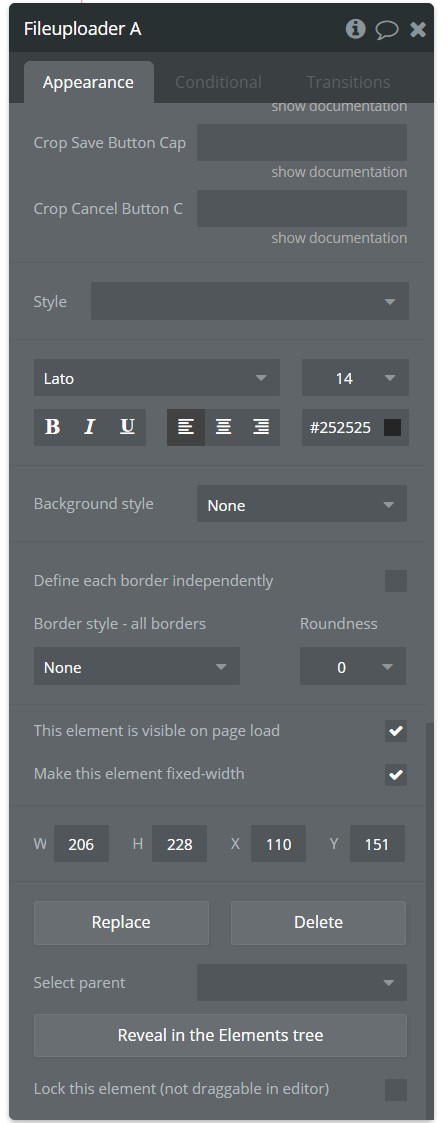
Could you please post Plugin Uploader’s proprieties as well as the console logs? thanks.

I’m also having the same problem.

then same here: Could you please post Plugin Uploader’s proprieties as well as the console logs? thanks.

Hello, @tkassis

Please double check our setup documentation - https://docs.zeroqode.com/plugins/aws-file-uploader-plugin
And demo page setup: zeroqode-demo-02 | Bubble Editor
try reproducing all the setup and document actions, and test them out.
Also would recommend you try, uninstalling and reinstalling the plugin, place a new element of file uploader on page and give it a try.
Thanks.

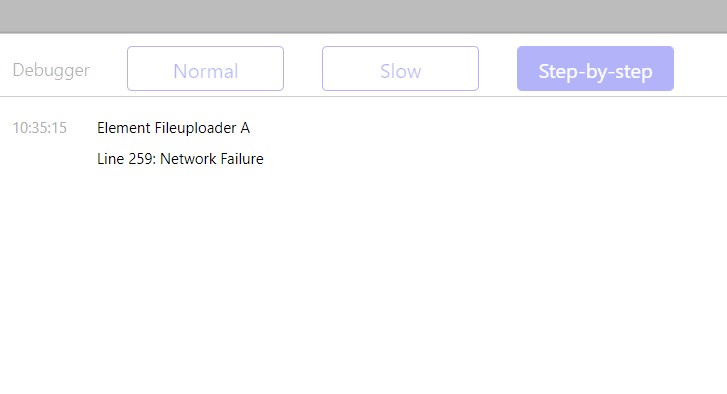
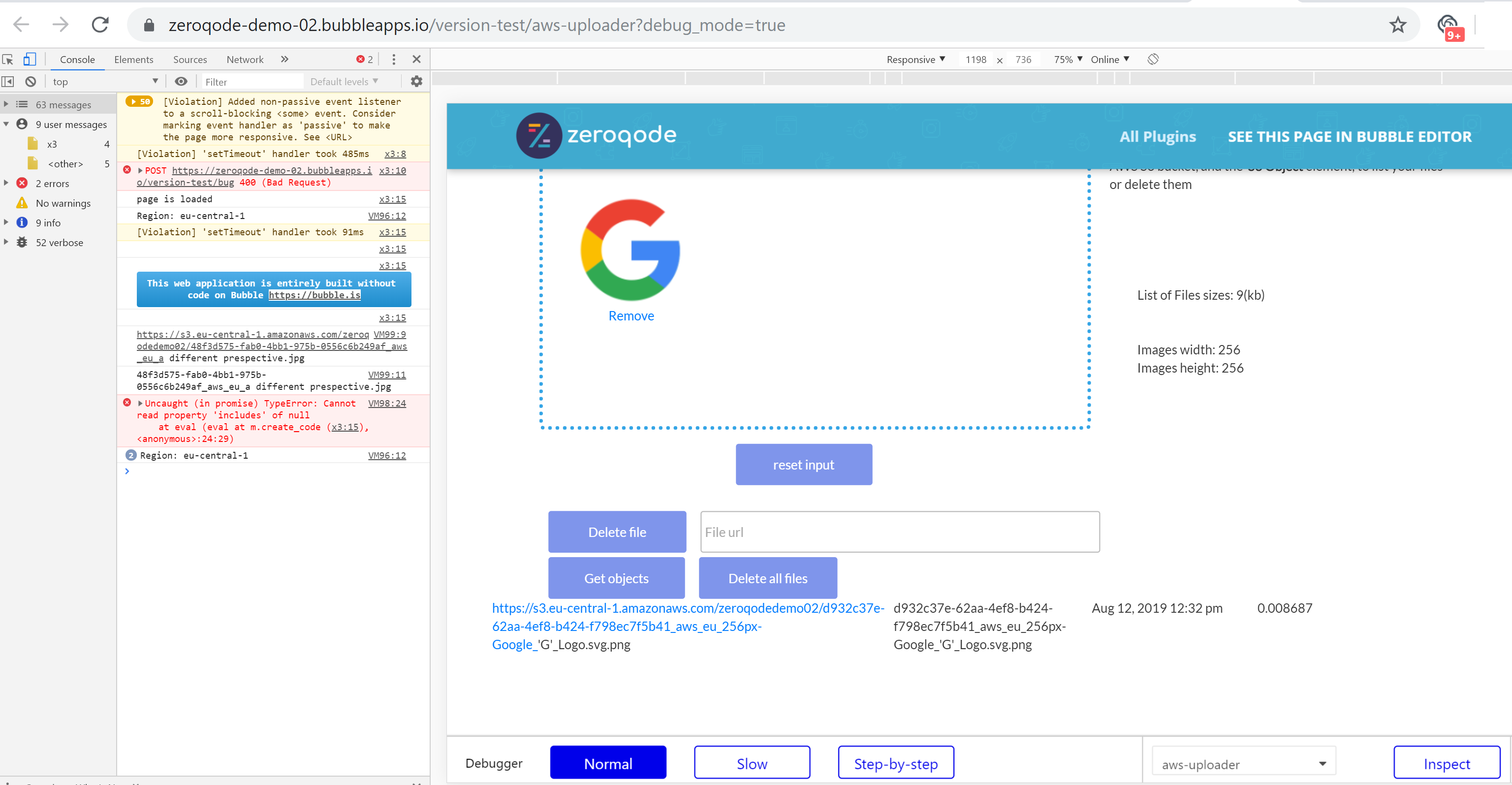
Lately if everything was set as in our demo/doc method and still getting an error while uploading files, provide some screenshots better a video of you setup and screenshots from browser’s console log (ex:)

Also from current setup, I see you’re uploading file sizes bigger when in our demo, you should check your AWS S3 plan setup which should be able to upload sizable files.
Thanks.

Best,
Dumitru.

Hi Dumitru,

I followed the documentation exactly. I did it several times. Been trying for the past 4 days but no success. Here is a video of the error (including console): https://youtu.be/88qL3WvndCU

Thanks!

Hi @Dumitru I found what the problem was. It was a mispelling from my end. I had typed ‘ue-east-1’ instead of ‘us-east-1’ for the region in the plugin settings. All I needed was a good night’s sleep to catch that! (I think I checked the spelling about 10 times when I set it up).

1 Like

I can relate to that :slight_smile: unfortunately syntaxis check is still required with no-code building in rare scenarios like these :slight_smile:

If you like our plugin, could you please rate it by going to Plugins tab in Bubble editor? You can find the plugin by name and give it as many stars as it deserves :slight_smile: The more feedback we get, the more motivated to build great plugins :slightly_smiling_face:

Thanks! :pray:

Hi,

I am also getting this error.

I tried everything you mentioned:

  • Did setup 5 times following the documentation exactly
  • Replicated demo page using Zeroqode’s S3 bucket name, region, and identity pool id (this worked)
  • Deleted the UI element and added it back
  • Uninstalled the plugin and reinstalled it

Still no luck. I am not sure what I’m missing.

Would you mind sharing an email address so I can add you as a collaborator?

Thanks,
Emile

1 Like

Hello @emiledaou

Thanks for reaching out and sorry for the trouble.

If you’ve tried connecting the plugin with our IDs/Names and it worked, I believe it could be the AWS on your side which needs to be checked.
Can you try to create a new bucket and region accordingly and test again?

If that does not work for you, add support@zeroqode.com and the team will try to look at the issue.
Thanks for understanding.
:pray:

Regards,
Dumitru

Hello,
my plugin setup was working smooth for the past 4 years, never updated… then by nov 2025, it started to glitch,

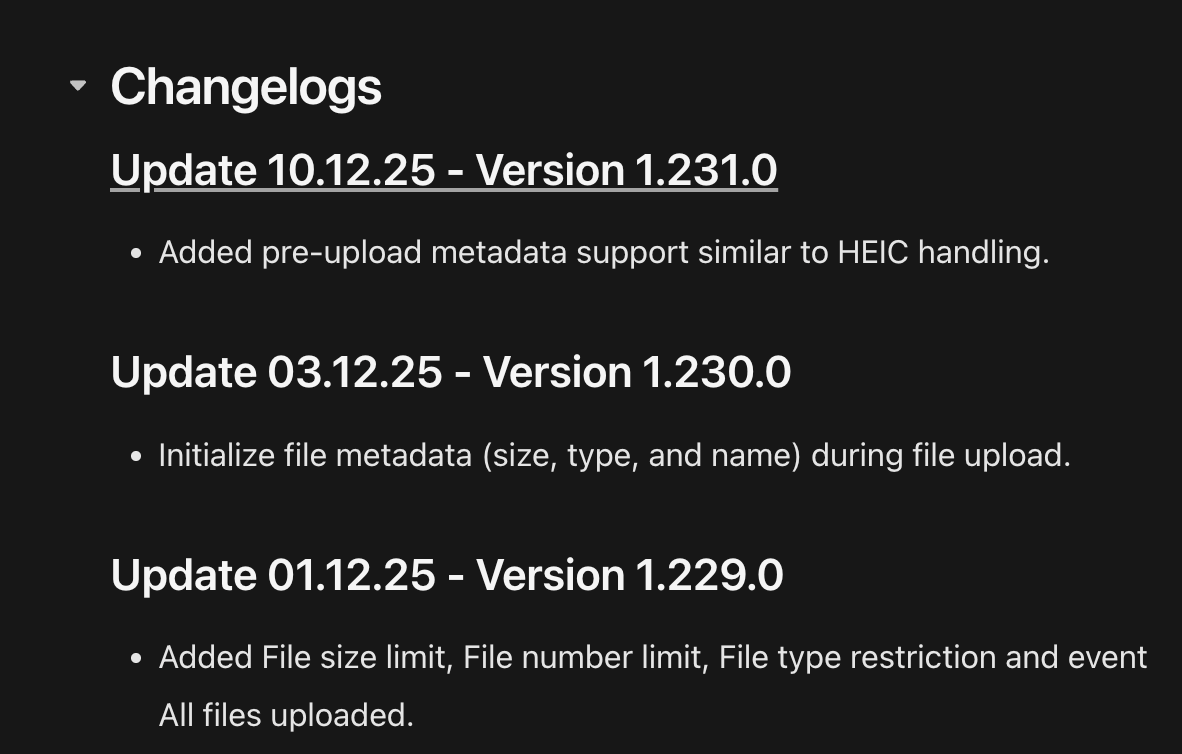
updated the plugin to latest version
created workflow generation url flow

image

Now the plugin started working, but 4 out of 10 users reports server 0 code error, but retrying and refreshing does the job.

we created new iAM user, new keys, but its the same, not every time, not every user/pc, but this happens, have tried switching the internet to hotspot, changing browsers, but its still there…

Need Help.
Yasir

Hello @yasirzxc ,

Thank you for reaching out and for flagging this issue!

It’s great to hear the plugin worked smoothly for 4 years - that’s quite a track record! However, a lot has changed and improved in that time, so we’ll need to dig into the current setup to identify what’s causing these intermittent “server 0 code” errors.

To help troubleshoot this, could you please share the following details:

  1. AWS S3 bucket region - This is often the most common root cause of intermittent connection issues
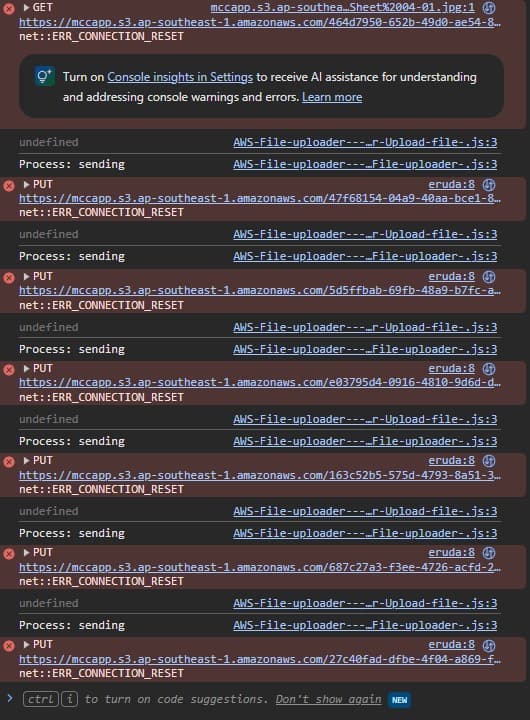
  2. Any error messages or console logs from the browser when the error occurs (if available)
  3. Pattern details - Does this happen more frequently at certain times of day, with certain file types, or file sizes?

Given that 4 years is a significant time span, there have been numerous improvements and changes to both AWS services and our plugin.

Once you share these details, I’ll be able to provide more specific guidance.

Looking forward to your response!

Best regards,
Support Team
Browse all Zeroqode Plugins for bubble
Banner_Last3